
Every Client,
One Account
Watch every client's mail servers, domains, and certificates from one place, send each client's alerts to the right people, and hand them a report that shows the work.
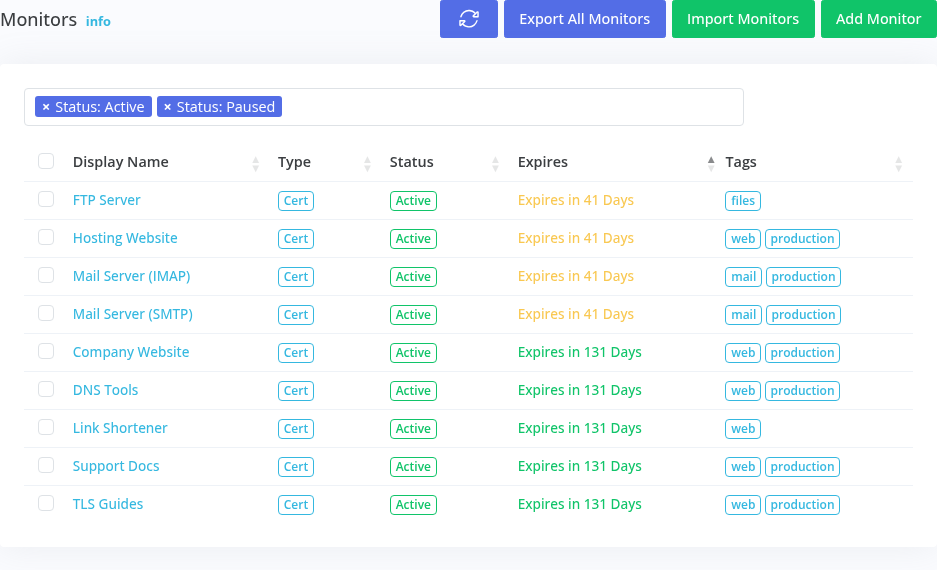
Clients Shouldn't
Notice First
When a client's certificate expires or their mail starts landing in spam, the first call is to you, and the question is why you didn't catch it.
Logging in to a different tool per client, or one spreadsheet of renewal dates, doesn't hold up past a handful of clients.
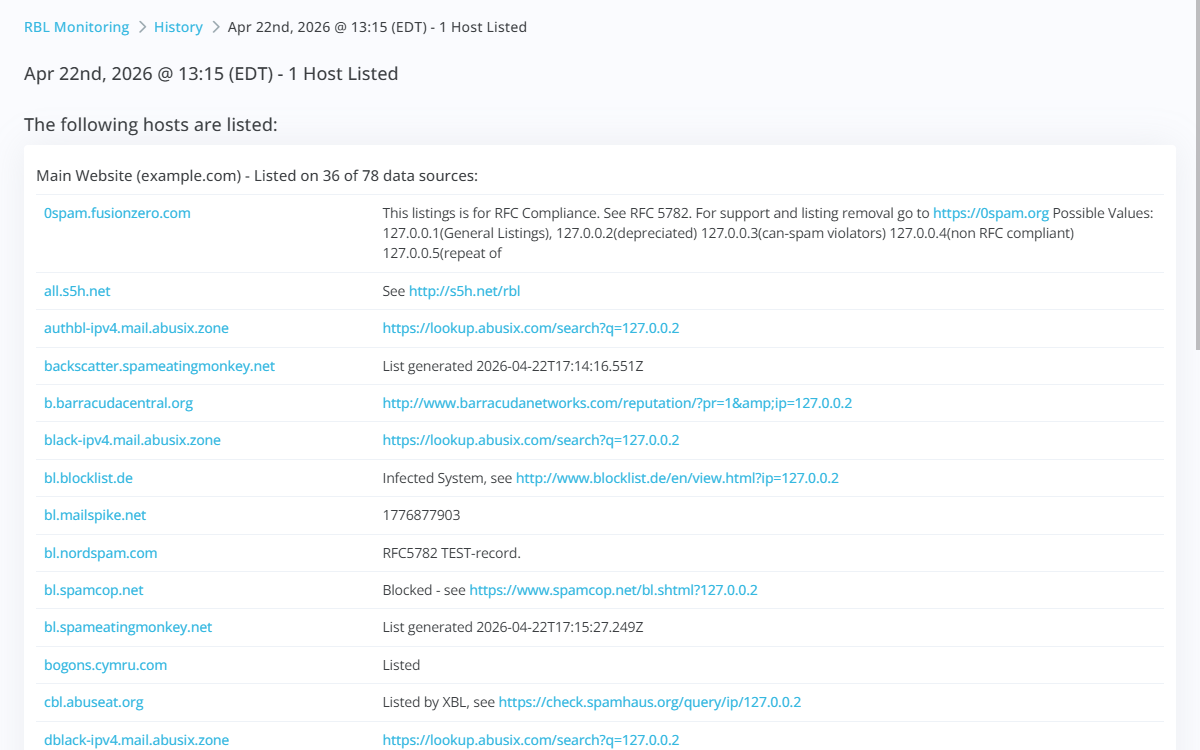
What Changes
When You Turn It On
Sub-accounts keep each client's monitors apart, and role-based access controls who on your team sees what.
Each client's alerts go to the people responsible for it, on the channels they use.
Different alert timing for a client's production sites and their test servers.
Share a public report or a PDF that shows what was checked, what was found, and when it was fixed.
Set Up Once,
Then Let It Watch
Add their domains, mail servers and endpoints, tagged by client, and environment.
Contact groups send each client's issues to the people on your team who look after it.
Share reports that turn quiet months into visible value.
Further Reading
 Case Study
Automated, and Still Expired
A SaaS platform automated every certificate renewal with Let's Encrypt, then had two certificates expire in fifty days. Automation needs a backstop.
 Case Study
Marketing to a Blacklist
A SaaS marketing team spent half a year and a $350,000 budget emailing people who never got the message. The campaigns were fine; the domain was blacklisted.
Frequently Asked Questions
Common questions from teams like yours.
Can my clients see their own results?
Share a public report link with them; it stays current and needs no login. For anything more, talk to us about sub-accounts and roles.
Can I bill clients separately?
Usage is pay as you go per check and per monitor, so the cost of each client follows what you monitor for them. Talk to us about larger accounts.
Do you have an API?
Yes. The REST API covers hosts, monitors, and contacts, and the MCP server lets AI assistants query them.
More Solutions
Bring Every Client Under One Roof
Start free with your own domains, then add your clients.