
Free Blacklist Check
Look up an IP address or domain against major DNS blacklists (RBLs and DNSBLs) in real time. This is a spot check, the same kind of data we monitor continuously.
Examples:
What Does a
Listing Mean?
An RBL check, also called a DNSBL lookup, asks each blacklist's DNS zone whether it lists your IP address or domain. Mail servers run the same lookup on every connection, so a listing here is a listing they see too.
The check looks an IPv4 address up on 50 blacklists, an IPv6 address on 10, and a domain on 23. Every lookup runs at once, so the result shows each list as it stands right now.
A listing means that list's operator saw something from the address or domain it treats as abuse: most often spam, a compromised account, or a misconfigured server. How much it hurts depends on the list. A listing on one that large mailbox providers use stops mail almost everywhere; a small list may affect only a few receivers.
What Should You Do If You're Listed?
Ask for removal before the cause is fixed and you'll be listed again, often for longer. Look for a compromised account, an open relay, a web form sending spam, or a new bulk campaign.
Each operator has its own removal steps and timing. Some drop a listing on their own once the activity stops; others need a request. Our data source pages link to each one.
Run the check again once you're removed. A clean result today won't stop tomorrow's listing, and that's the gap continuous monitoring closes. Blacklists are one part of your IP and domain reputation; Gmail and Outlook keep their own.
A Spot Check Is Not Monitoring
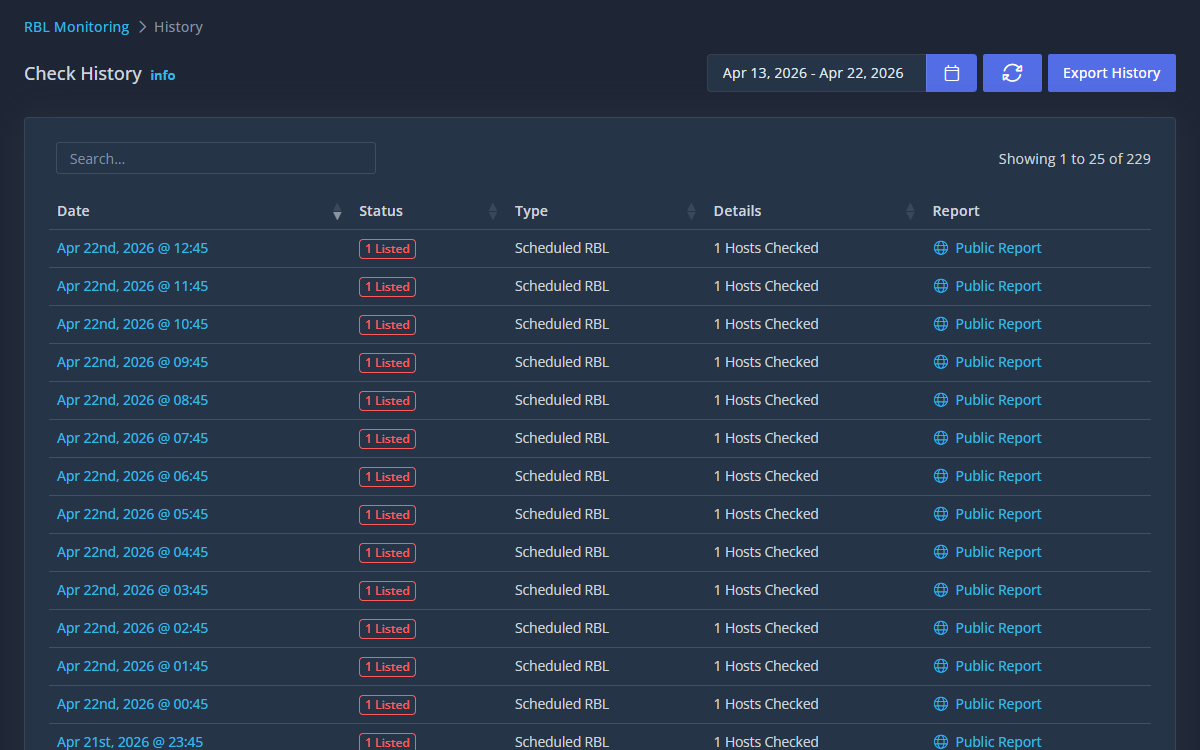
This checks major lists once, right now. A listing can happen at any time, and by the time you notice the bounced mail, your deliverability is already suffering. Generator Labs watches your IPs and domains across 150+ blacklists and data sources continuously and alerts you within minutes of a listing, with the context to fix it fast.
- 150+ data sources, not a handful
- Real-time alerts by email, webhook, Slack, and more
- IPv4, IPv6, and domain coverage with a REST API
- Free for your first host, no credit card
Blacklist Check FAQ
What the check looks at, and what to do with the result.
How do I check if my email server is blacklisted?
Enter the IP address your mail server sends from, or the domain in your From address, and run the check. Mail servers look up the sending IP and the domains in a message, so check both.
Which blacklists does this check?
The major public RBLs and DNSBLs receivers use, including Spamhaus, Barracuda, and SpamCop, plus domain blocklists such as SURBL. The data sources page lists every list we monitor.
What is the difference between an RBL and a DNSBL?
None in practice. Both are blacklists published over DNS: a mail server asks the list's DNS zone about an IP or domain, and an answer means it is listed. RBL (real-time blackhole list) is the older name.
How do I get removed from a blacklist?
Fix what got you listed first, then follow that list's own removal process; some lists drop a listing on their own once the activity stops. Our Spamhaus removal guide covers the most important one.
Is this the same as blacklist monitoring?
No. This is a one-time check. Blacklist monitoring runs the same kind of check on a schedule against 150+ data sources and alerts you when anything changes.