
How TLS
Monitoring Works
Verify a domain, turn TLS on for a certificate monitor, and from then on every check looks at the TLS setup too.
Verify Your Domain
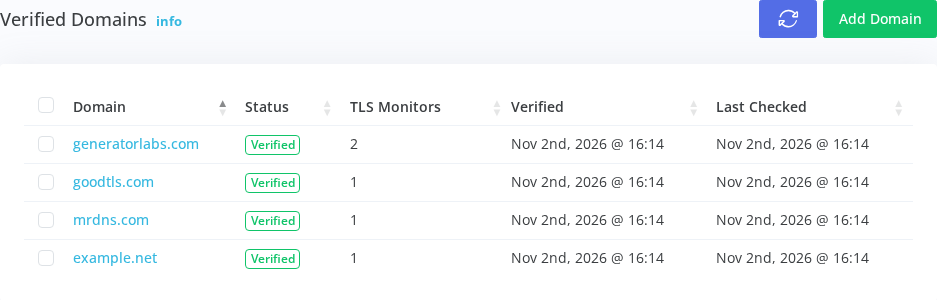
A full scan is an active test: hundreds of handshakes and a set of vulnerability probes. So it only runs against domains you've shown you control. Add the domain in the portal and publish the TXT record it gives you; a verified domain covers every name under it.
_generatorlabs.example.com.  TXT
  "generatorlabs-verification=4f9c1e..."
Turn On Certificate & TLS Monitoring
TLS is a setting on a certificate monitor, not a separate thing to manage. Pick Certificate & TLS Monitoring on any HTTPS monitor under a verified domain and the first full scan runs right away. Switch it back and the certificate checks carry on as before.
Quick Probes Always, Full Scans on Change
Every certificate check sends a handful of quick probes that catch the usual regressions: TLS 1.0 back on, a weak cipher, forward secrecy gone. When the probes see a change, and at least once a day, a full scan runs on every address behind the hostname. Check Now always runs a full scan.
- 06:00 Probes: no change
- 08:00 Probes: no change
- 10:00 Probes: TLS 1.0 accepted on 203.0.113.12
- 10:00 Full scan: grade B, capped by TLS 1.0
- 12:00 Probes: no change
Read the Grade, Then Fix What It Found
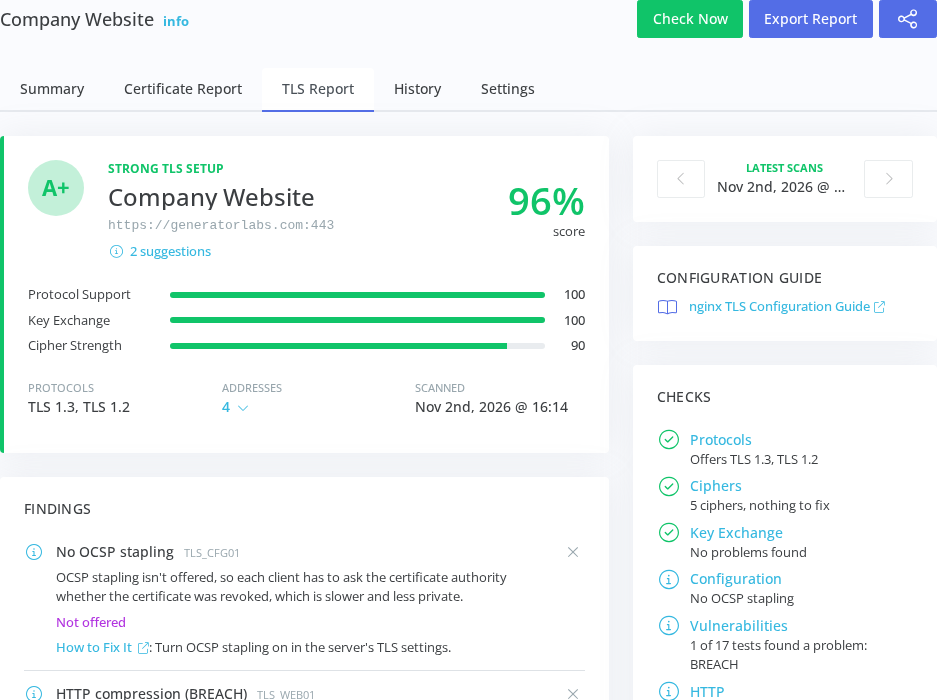
The TLS report gives the grade and its three sub-scores, every finding with the evidence from your server and the change that clears it, and the results of all 17 vulnerability tests. Earlier scans are a click away, and Export Report puts it all in a PDF.
Get the Guide for Your Server
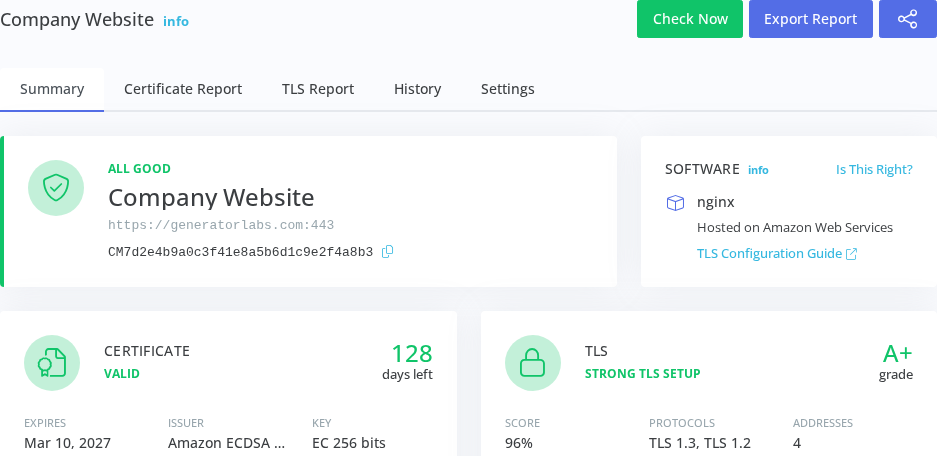
We recognize the software answering on the endpoint, the CDN or load balancer in front of it, and where it's hosted. The Software card links the TLS configuration guide for that server, and if we guessed wrong, you can correct it.
Grade Your Endpoints
TLS Monitoring is in beta. Request access for your account.