
Listed on Barracuda? Fix First, Then Ask Once
The Barracuda Reputation Block List is used by Barracuda's own email security products, and other mail servers can query it too. Removal is by request, and Barracuda ignores repeat requests, so it pays to get it right the first time.
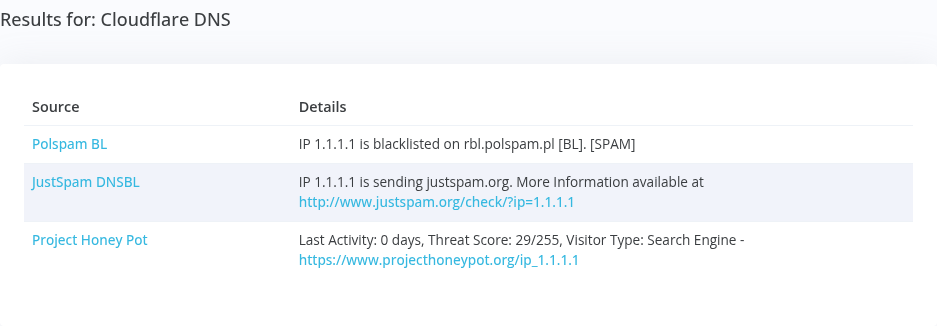
Examples:
What Barracuda Looks For
Barracuda names the usual causes: a virus-infected or misconfigured mail server, infected PCs or a botnet on your network, a dynamic IP a spammer used before you, bulk mail that doesn't follow CAN-SPAM, or an open wireless network.
Submitting the Removal Request
Once the cause is fixed, submit the BRBL removal form with your IP, email address, phone number, and a short explanation of what you fixed. Barracuda says valid requests are typically processed within 12 hours. Requests without real information are ignored, and so are repeats.
Hear About It Before Your Customers Do
A Barracuda listing can get your mail blocked at companies running Barracuda email security. Generator Labs checks your IPs against Barracuda and 150+ other data sources and alerts you by email, Slack, SMS, or webhook when a listing appears. Free for your first host.
Frequently Asked Questions
About Barracuda listings.
How long does Barracuda removal take?
Typically within 12 hours of a valid request.
Can I submit more than one request?
Barracuda ignores repeat requests. Fix the cause, then submit once.
Who uses the Barracuda list?
Barracuda's own email security products, plus other mail servers that choose to query it.
Other Blacklists
How to get off each of the blacklists that matter most.